Building Tactile Toy for Visually Impaired Children to Discover Railway path
- Client
- Hogeschool van Amsterdam
- Product Type
- Tactile Education Toy
- Timeline
- 1 Month (2024)
- Team
- Bishrant Tandukar
- Victor Jimoh
- Daniel Klein
- My Contribution
- Evaluative Research
- Market Research
- Product Design
- Arduino Coding
- Electrical Wiring




Meet, MetroMates
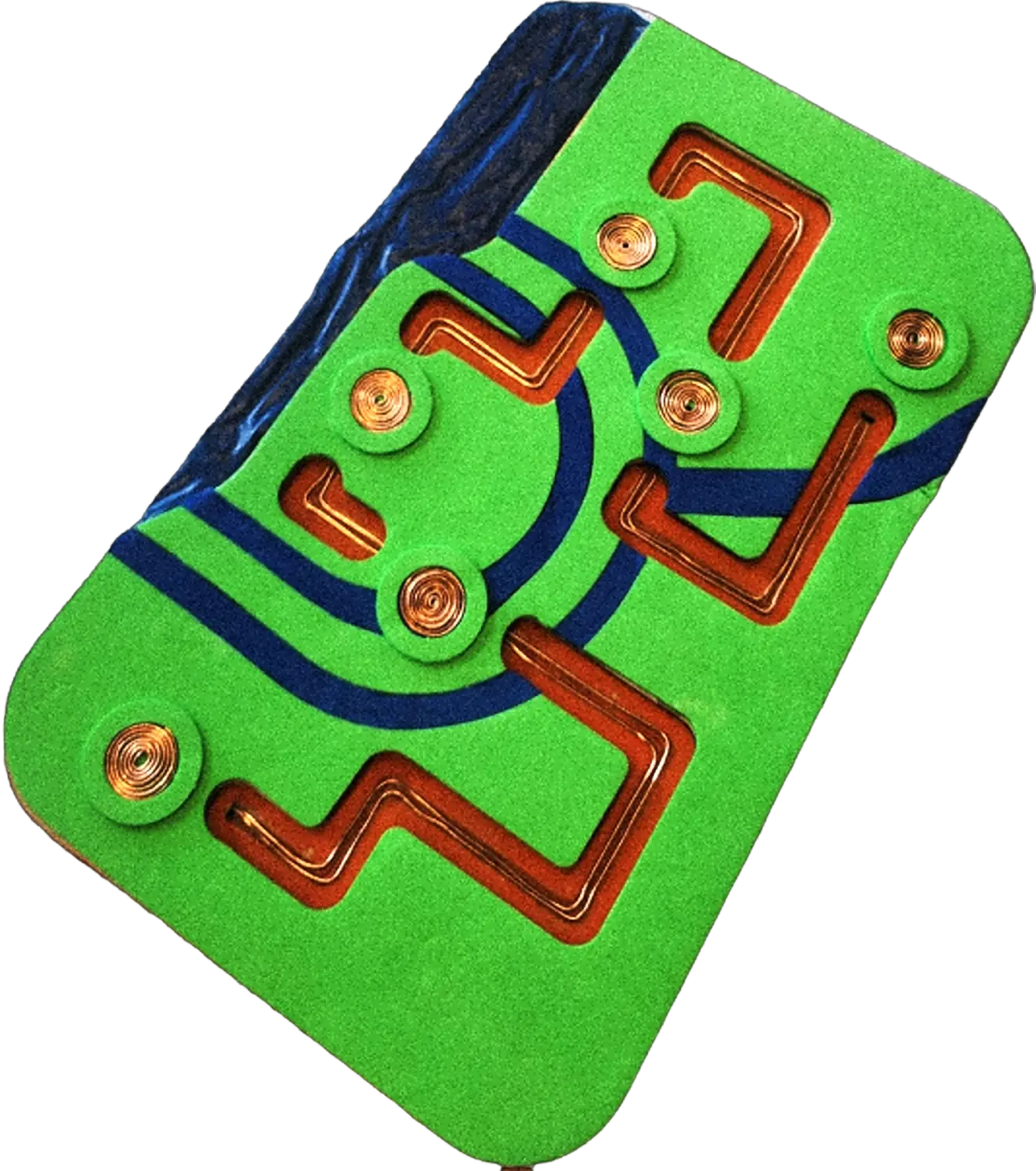
Metro Mates is an educational, tactile toy for children ages 4 and up, and is accessible for visually impaired children. The tablet-like interface is an adventure for the senses, incorporating texture and sound as tools for urban wayfinding.
- Bare Conductive Arduino
- Speaker
- Amplifier
- MDF Wood Composite
- EVA foam
- Copper Wire
- Clamp Clips
- 3D Printed Base


Guidance


Portable
Building Metro Mates in just one month, let’s start...
Usability Criteria set for the product based on our Literature Research
Market research to get ideas and inspiration for our tactile toy
I used card-sorting, to validate our concepts internally based on 5 usability criteria's.
These criteria guided internal decisions, and we also sought feedback from a teacher specializing in blind and Visually Impaired children to validate our concepts.
3 concepts met the criteria's of a usable product.
From our findings, I wanted to figure out different ways to enhance touch and hear interactivity in Tactile Toys by using Ishikawa Diagram.
- Material
- Soft Fabric
- Hard Material
- Textured
- Smooth
- Conductive
- Shapes
- Rounded edges (Safe)
- Geometric Shapes
- Movable Parts
- Interactivity
- Push-and-pull
- Tactile feedback
- Tap-and-hold
- Rotating
- Sliding
- Sound Effects
- Rhythmic Play
- Sequential Feedback
- Responsive Sounds
- Audio Cues for Tasks
- Trigger Mechanism
- Sound activated by touch
- Pressure-based triggers
Picking the wrong
concept for the toy.
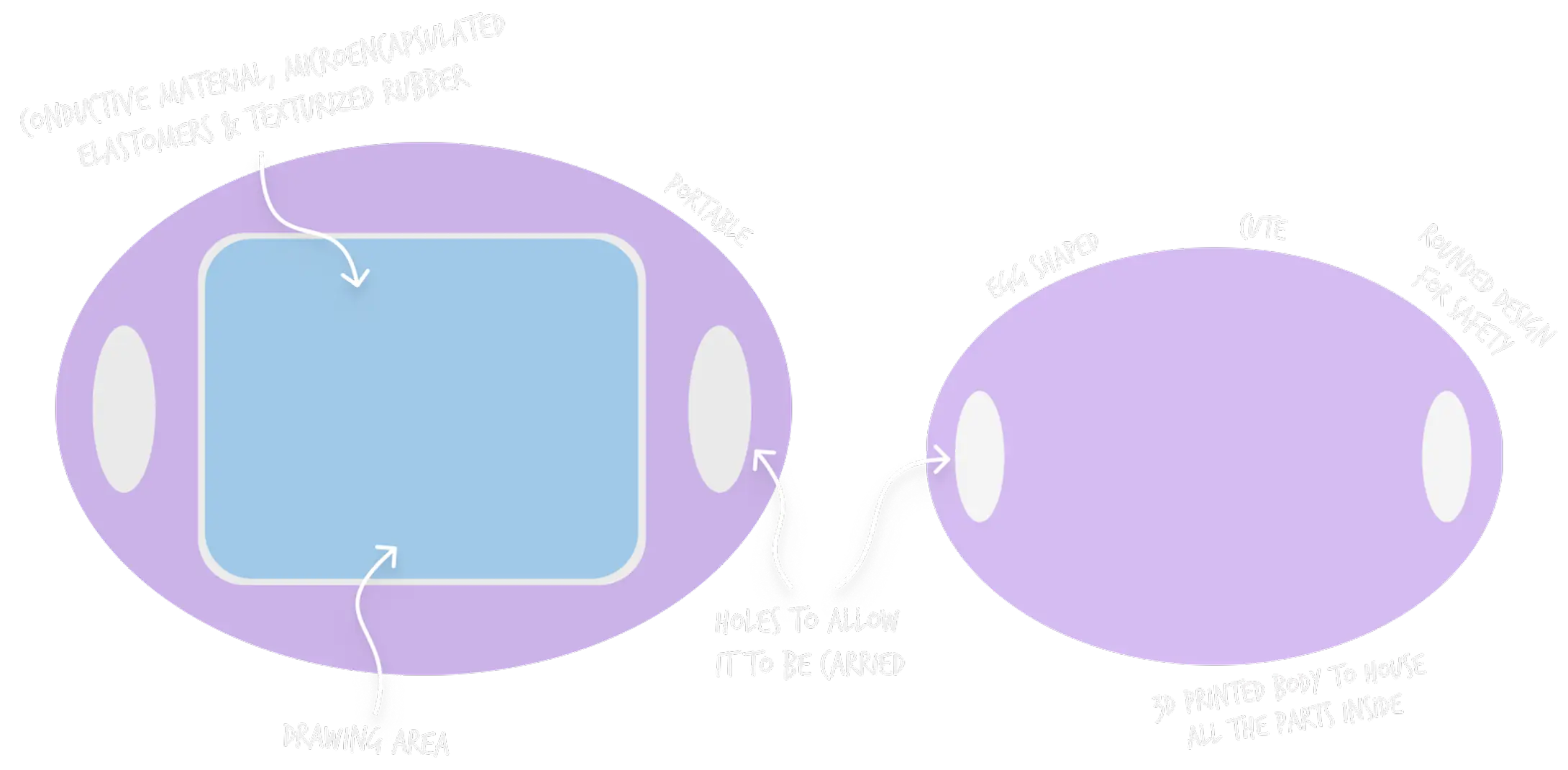
Our team initially chose the Tactile Drawing Pad concept for its alignment with the 5 Usability Criteria, drawing inspiration from Tamagotchi, a Steering Wheel, and the InTACT Sketchpad.
However, constraints during ideation shifted our focus to a new product, presenting a 10-day challenge to address these issues.
- Higher budget required, along with minimal time period
- Technical factors of sound effects and trigger mechanics were not fulfilled.
- Drawing for Visually Impaired kids is not really rewarding or enjoyable. Feedback from Professionals Teaching Visually Impaired Children
After 4 days...we ideated a product that incorporated the essence from our initial idea, along with sound and trigger mechanisms to guide users on a pre-defined path that would resemble a train station map.
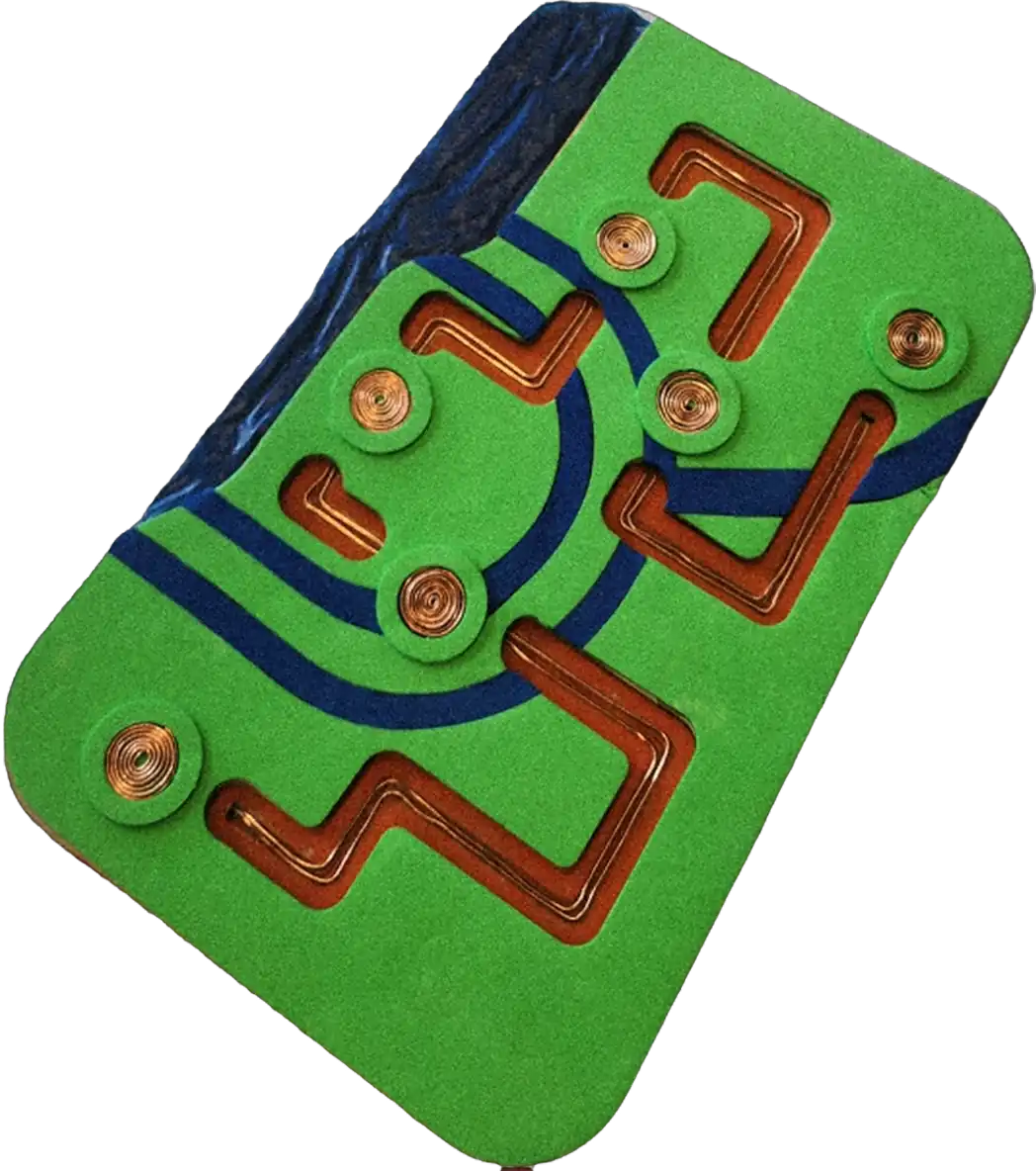
Let’s break down Metro Mates to explore its inner workings.
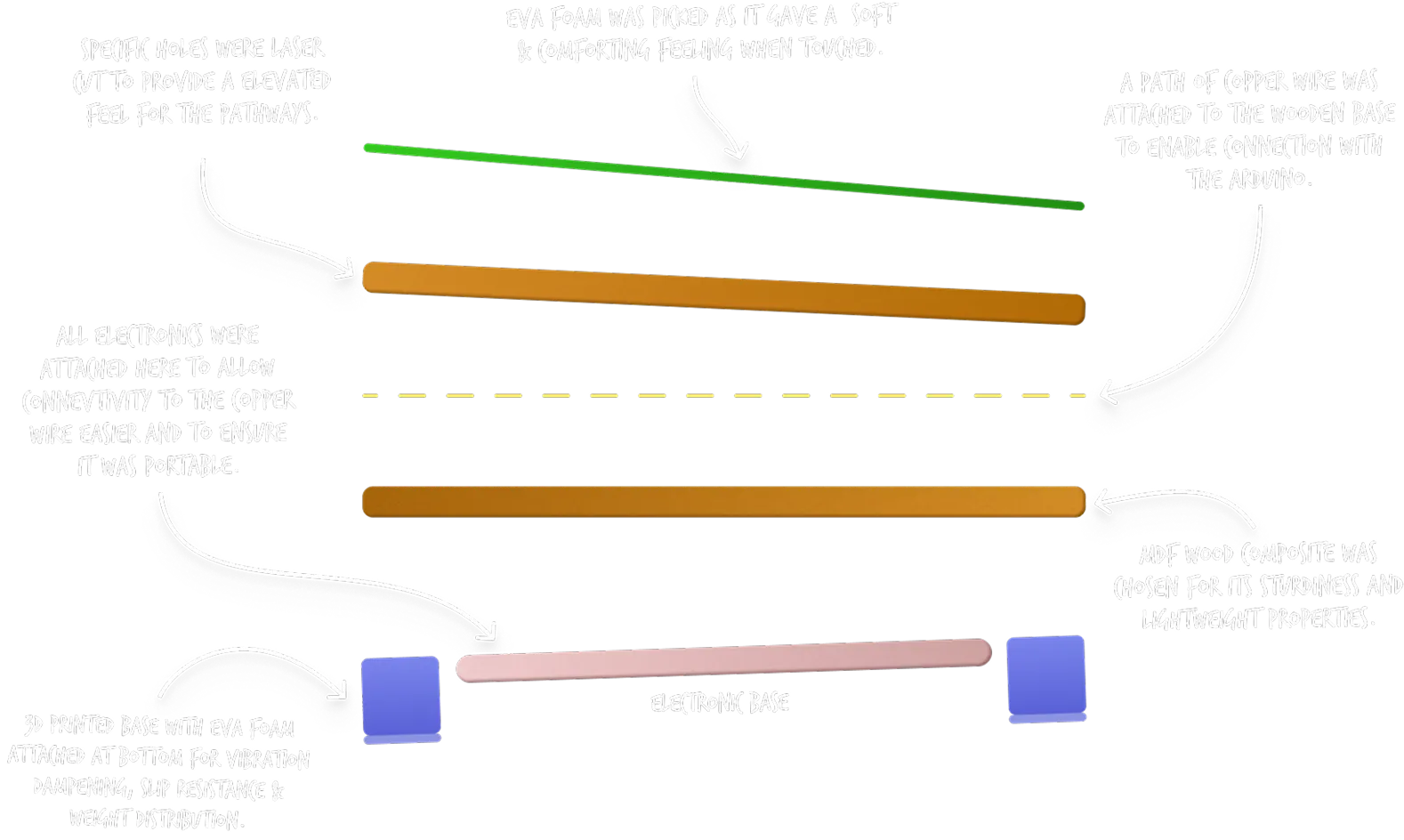
We chose laser-cut MDF wood and EVA foam materials over 3D printing the whole product based on the results observed during our A/B testing.
MDF Wood & EVA Foam Material

Low time to design and ideate new versions of the map

Able to quickly prototype and fix errors with minimal effort with the equipment

Sturdy and provided better support for attaching the wire

Easy to attach the EVA Foam to the MDF wood
Fully 3D Printed Plastic

Took long time to iterate new versions of each parts
Required learning new tools and took a lot of effort to fix minor issues

Not strong enough and required time to make stronger version

Difficult to stick material to the 3D version
Moving on to materials..
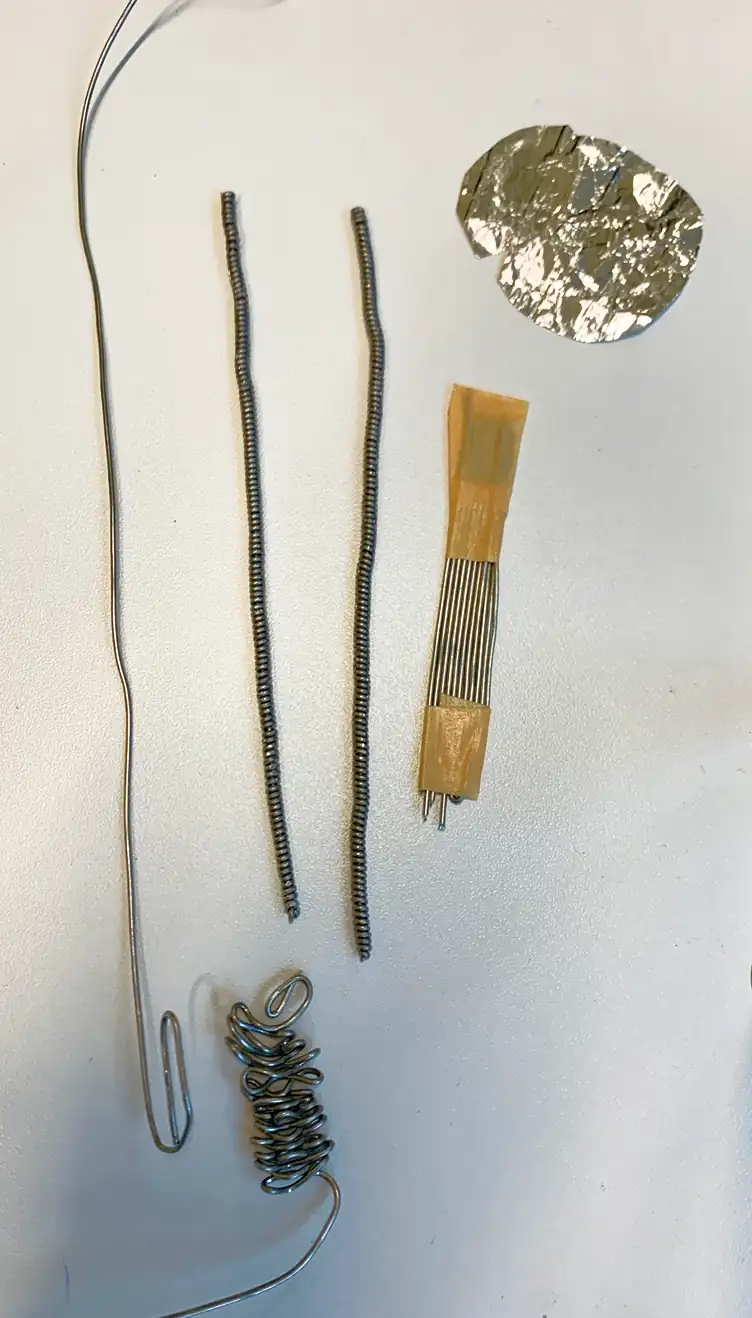
We explored various ways to provide a tactile feel to the wire using aluminum wire. The biggest issues were that it would break at curves and sometimes didn’t conduct properly.
So we switched to copper wire, which is malleable, strong, and highly conductive.
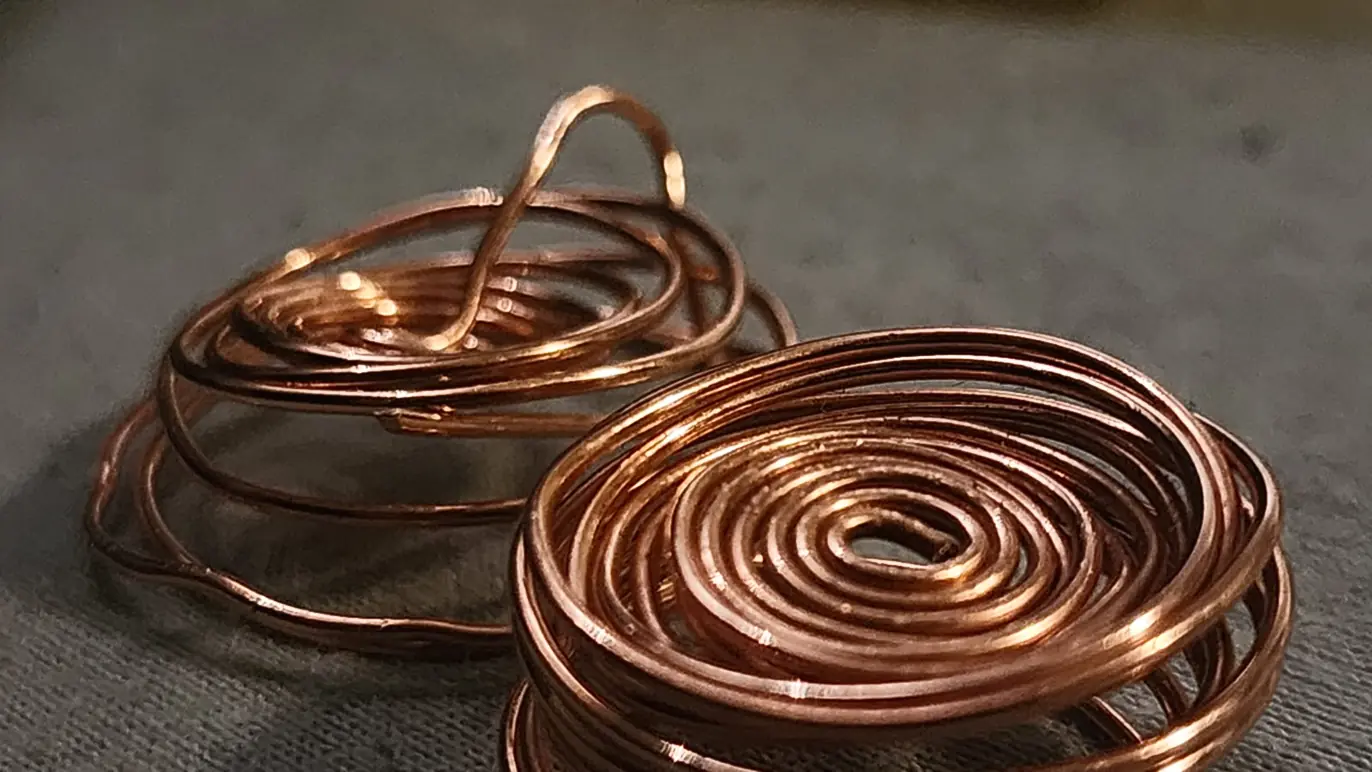
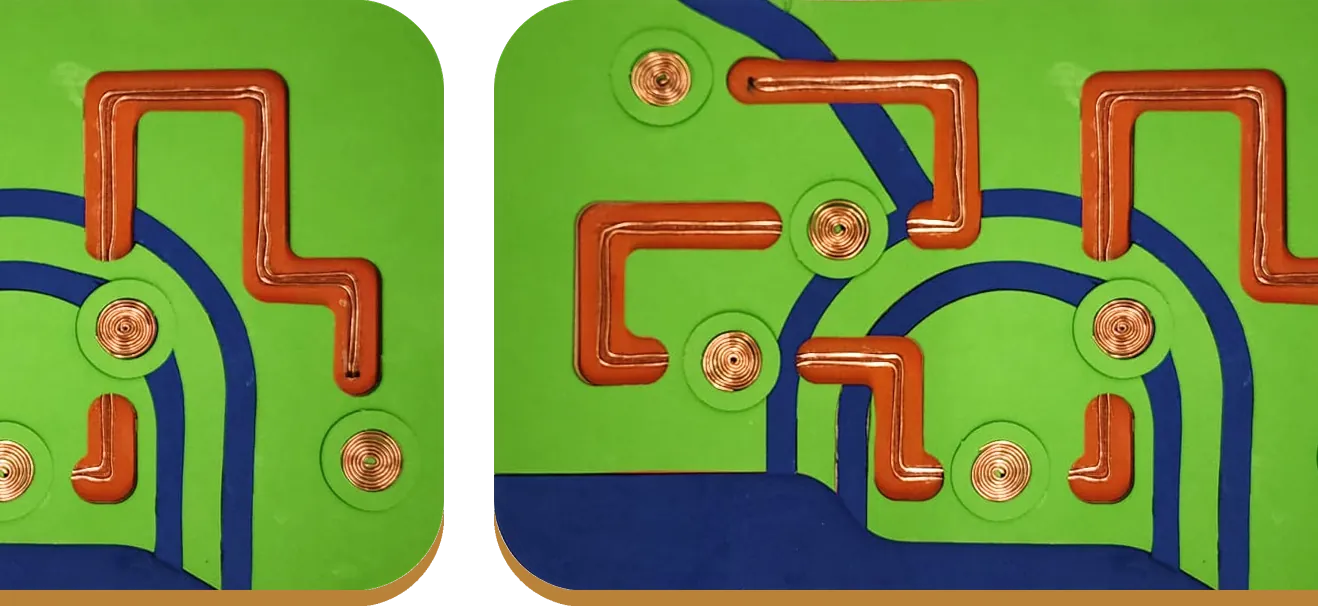
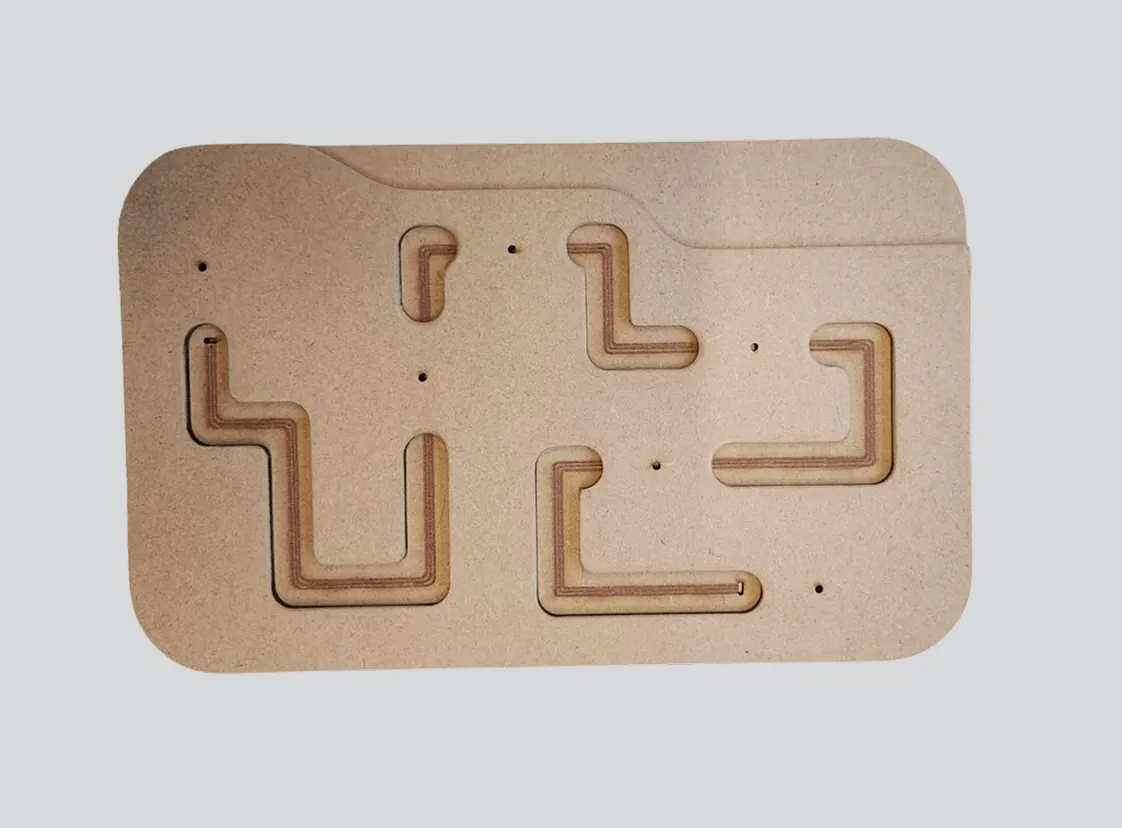
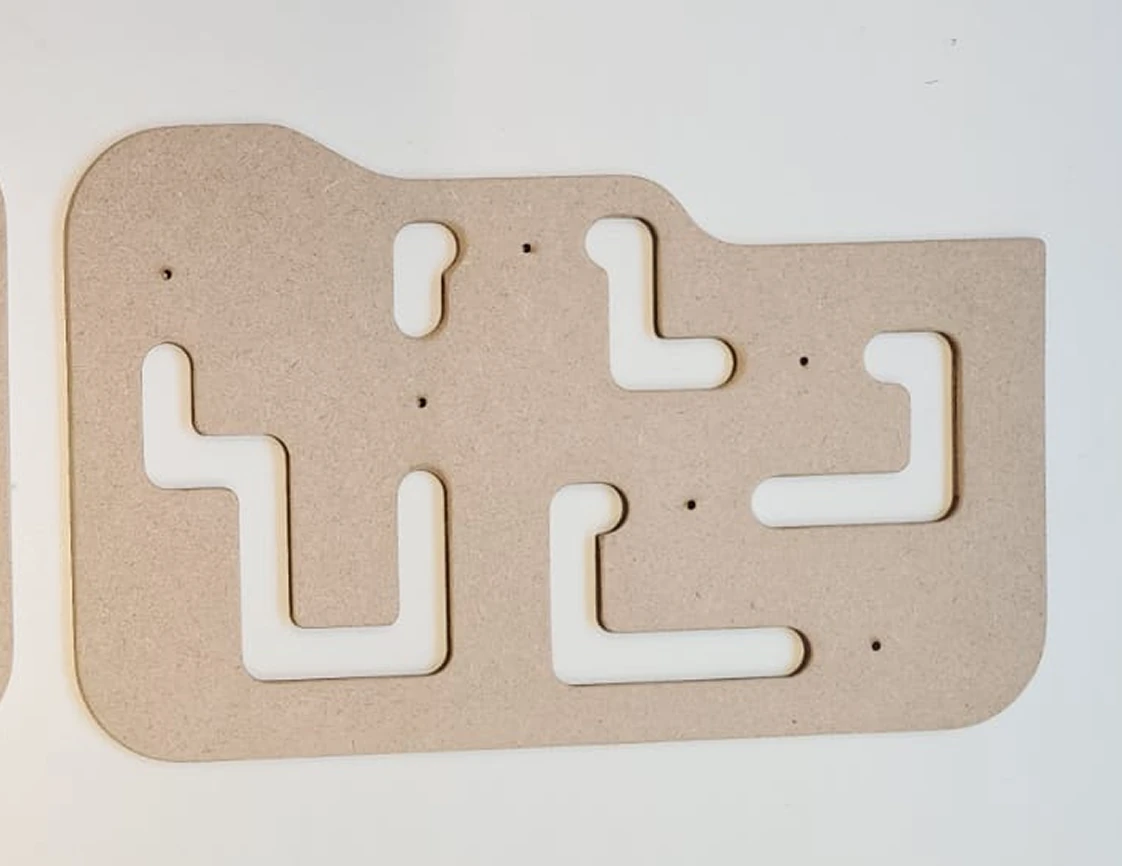
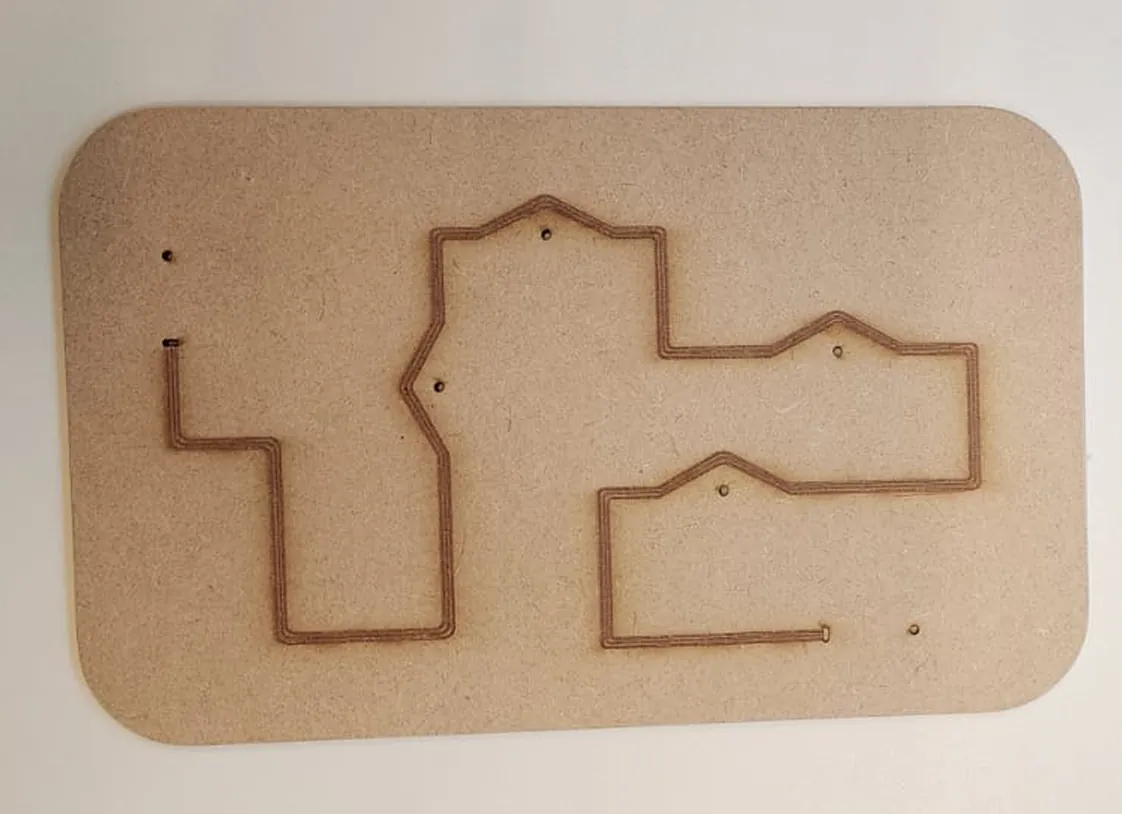
We went through multiple iterations to finalize the board's pattern. Ultimately, we chose a design with multiple curves, adding a fun element with varied paths. The design also included holes to connect rounded coils, representing train stations through touch.
For programming the Bare Conductive Arduino, I focused on implementing single-touch and double-tap cancellation, an amplifier to enhance audio, and clamp clips to prevent close-proximity interference.
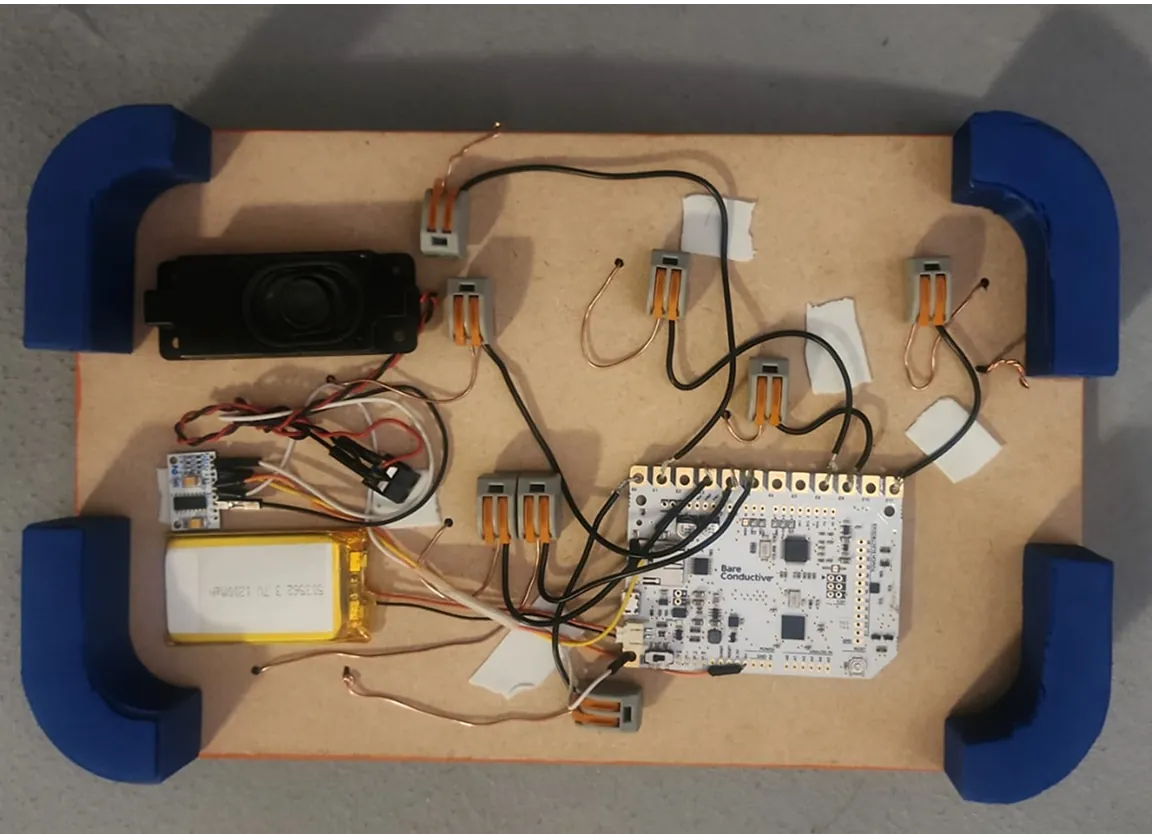
In this layout, it was easier to create distance between the wires while also making it easier to connect to the Arduino.
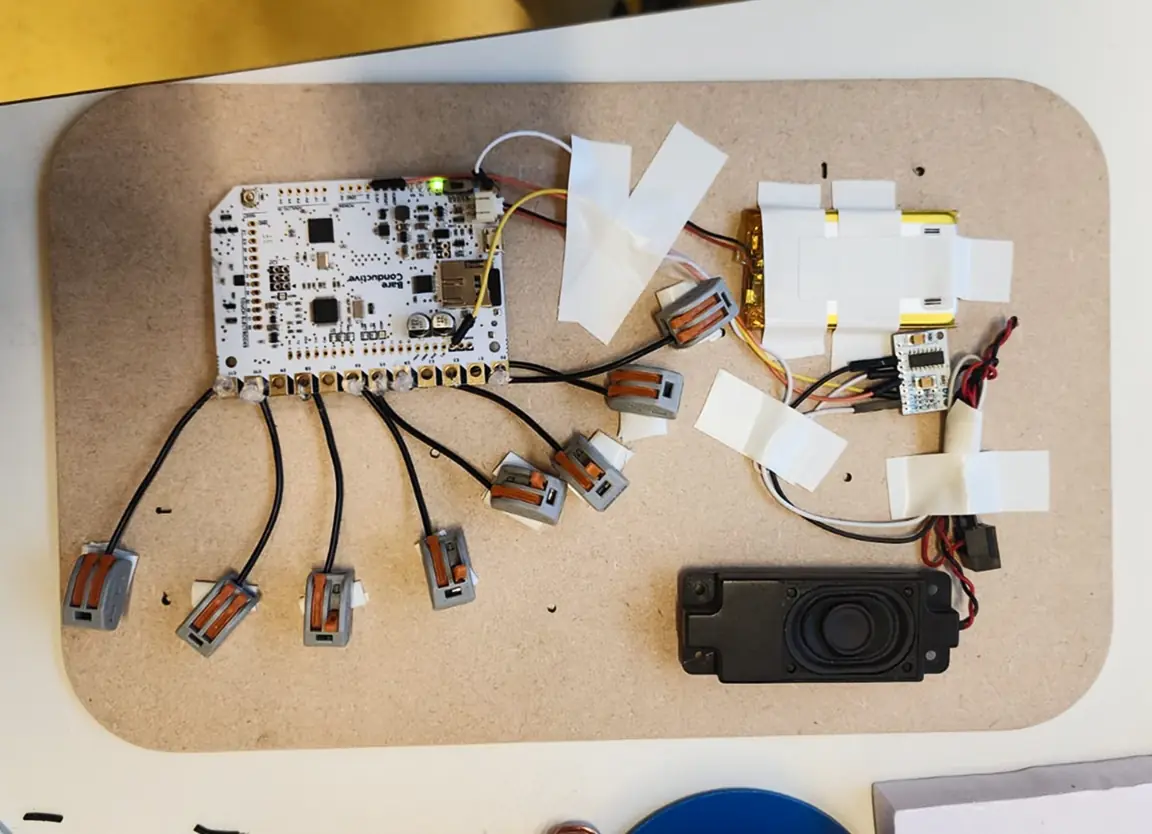
This layout didn’t work because it collided with other wires. It didn’t trigger the sound effects due to the close proximity of multiple wires.
After all that, we packed our bags and took our product to the MDD Feedback Session to gather everyone’s feedback.
- Material
- The path feels nice but jumping to a different one was very difficult
- The audio volume seemed very low.
- The water area could be a bit expanded for more interactions.
- The product feels sturdy, engaging and fun to use.
- The copper wire might cause abrasion to fingers, could be improved.
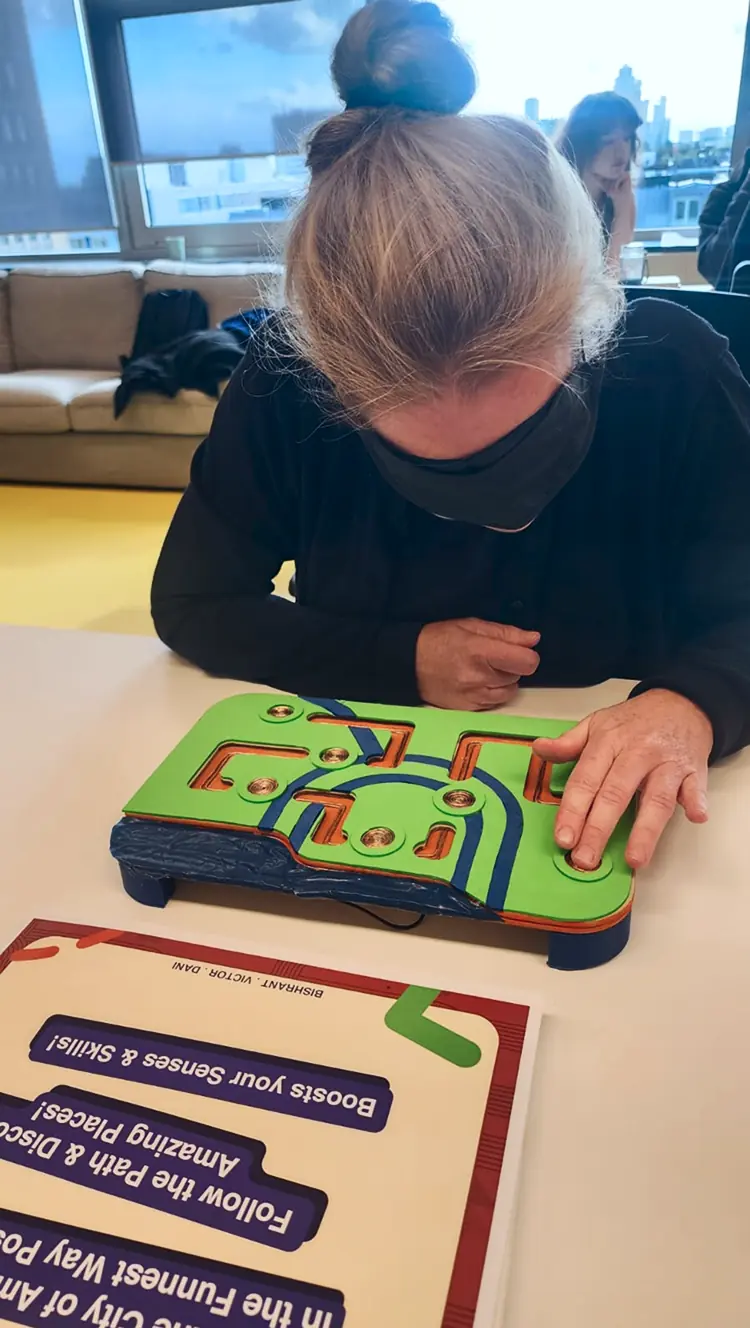
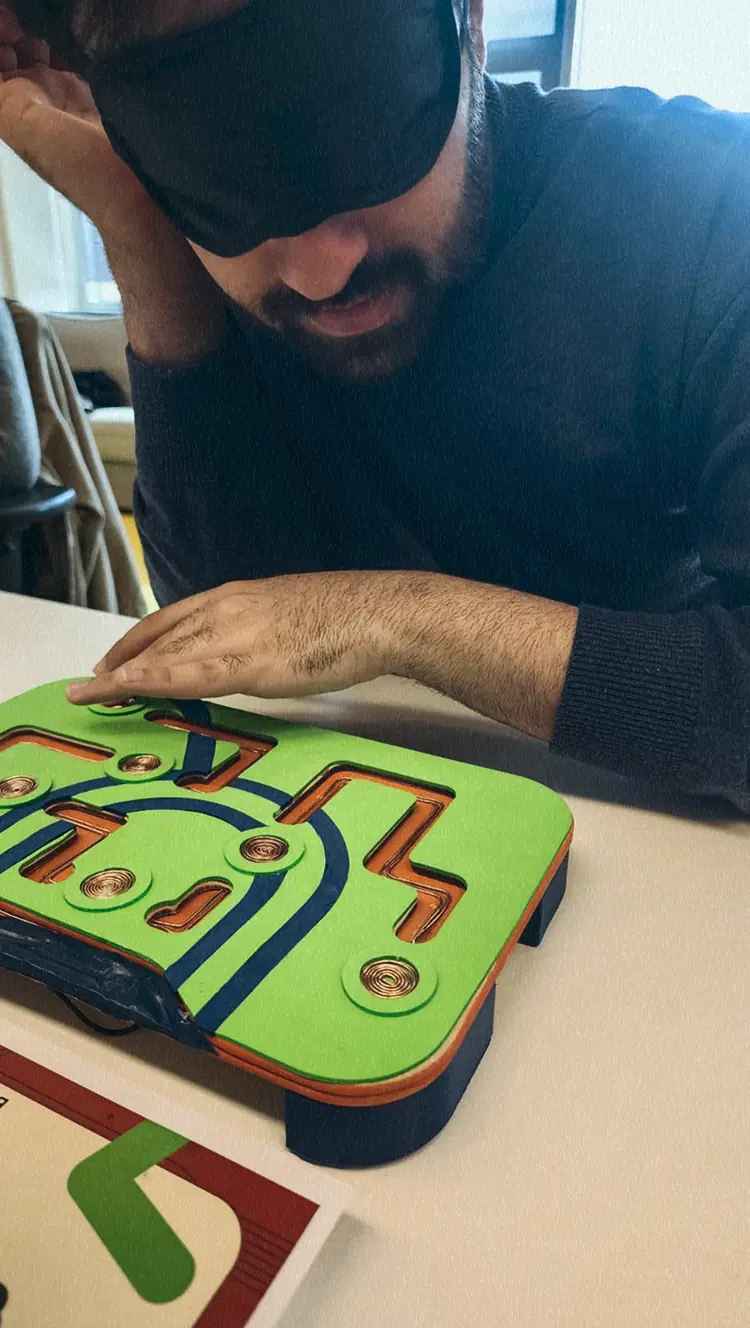
I learned a lot about working with physical devices, coding on Arduino, and wiring the system. It was also incredibly rewarding to design a product that could assist visually impaired children.
(version 2 of this product is under development)